
Topics at a glance
AHI Carrier boilers come with a wide range of factory default settings. These enhance ease of use, allowing you to make any adjustments to the heat generator in just a few simple steps. These default settings also help save energy and thus reduce heating costs. In addition to the heating curve, there are also various time programs, including an economy mode and a holiday program.
The holiday program can only be accessed as a “temporary program” through the heating controller. Those living in rented accommodation or without access to a heating generator cannot make changes to the holiday program.
Vacation program in detail
System owners, on the other hand, can use the program to enter arrival and departure dates for each individual heating circuit. This means they can actively influence the heating characteristics of the heat generator. The AHI Carrier heating system’s holiday program specifically affects central heating, hot water heating, heating output, and energy consumption:
Central heating:
- For heating circuits in the “Heating and DHW” operating program, the holiday program heats the rooms to a set reduced room temperature.
- For heating circuits in the “DHW Only” operating program, space heating is disabled. However, freeze protection for the boiler and DHW cylinder is active.
Hot water heating:
- If vacation mode is activated for all heating circuits, DHW heating is disabled. However, freeze protection for the DHW cylinder remains active.
Please note: By default, the vacation program starts at 12:00 AM on your departure day and ends at 12:00 AM on your return day. This means the set time program is active on both your departure and return days. On some models, the time can be set individually. To end the program manually, follow the instructions.
The Vacation program reduces heating power
When the Vacation program is activated, the system maintains a lower set room temperature. It only heats up to the preset lower room temperature. This temperature should not fall below 16 degrees Celsius, otherwise the risk of mold growth increases. You can learn how to minimize this risk in our mold prevention guide.
The holiday program helps save energy
The Holiday Program feature in AHI Carrier heating systems allows system owners to save energy while they’re away by heating only as much as needed. Contrary to its name, the program isn’t intended solely for use during “multi-week holidays” in the traditional sense. If system owners know they’ll be away—even for just a few days—they can activate the Holiday program and thus save on heating costs.


How to activate the holiday program
A time program and associated holiday program are available on all AHI Carrier boilers with Vitotronic control units (since 1999). However, the procedure for accessing this function from the main menu may vary depending on the heating system and year of manufacture. The correct procedure is described in the included operating instructions or, alternatively, in the service manual. For a better understanding of the process, instructions for four different heat generators are provided below. These include:
- Vitodens 200 W with Vitotronic 200, for weather-compensated operation, year of manufacture 2018
- Vitoladens 300 C with Vitotronic 200, year of manufacture 2018
- Vitocal 200 S with Vitotronic 200, year of manufacture 2017
- Vitoligno 300 C with Ecotronic, year of manufacture 2017
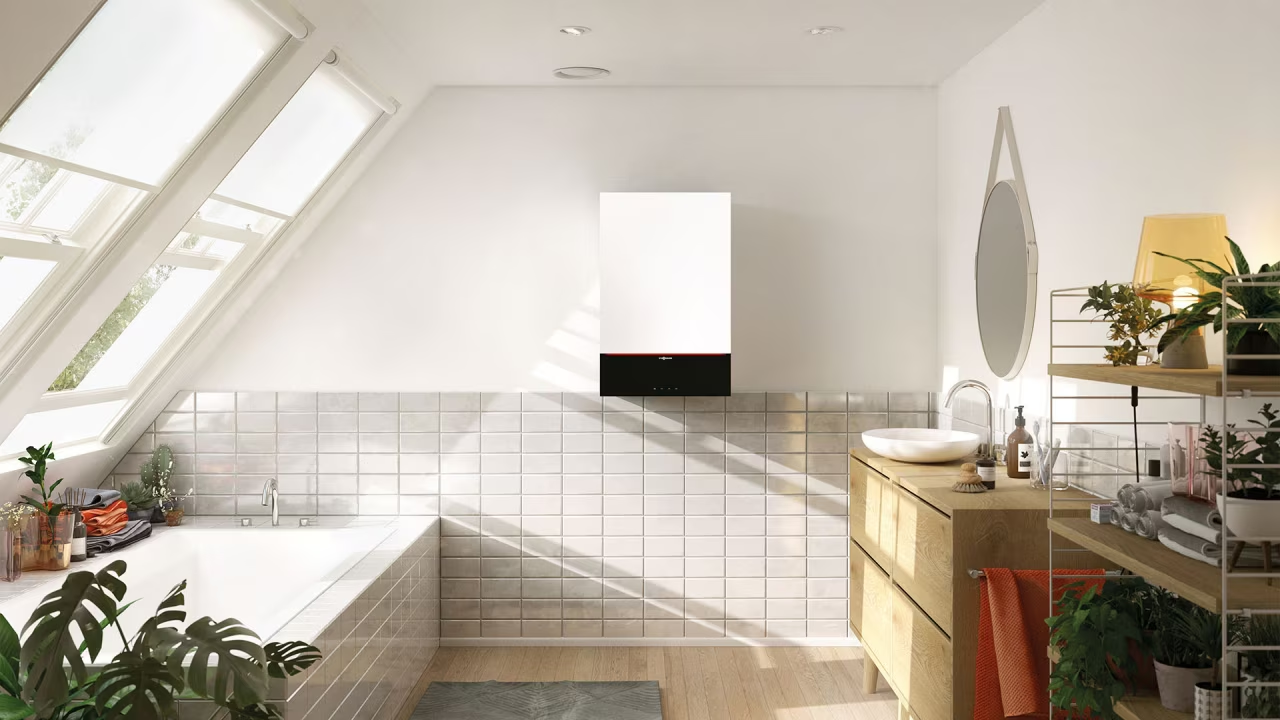
Activating the holiday program on the Vitodens 200-W
- Click on the menu icon and then on Heating.
- Now select the desired heating circuit.
- Click OK to confirm.
- The display will now show “Vacation Program”.
- Use the arrows to set the desired departure and return dates.
- Click OK to activate the vacation program.
Activating the holiday program on the Vitoladens 300-C
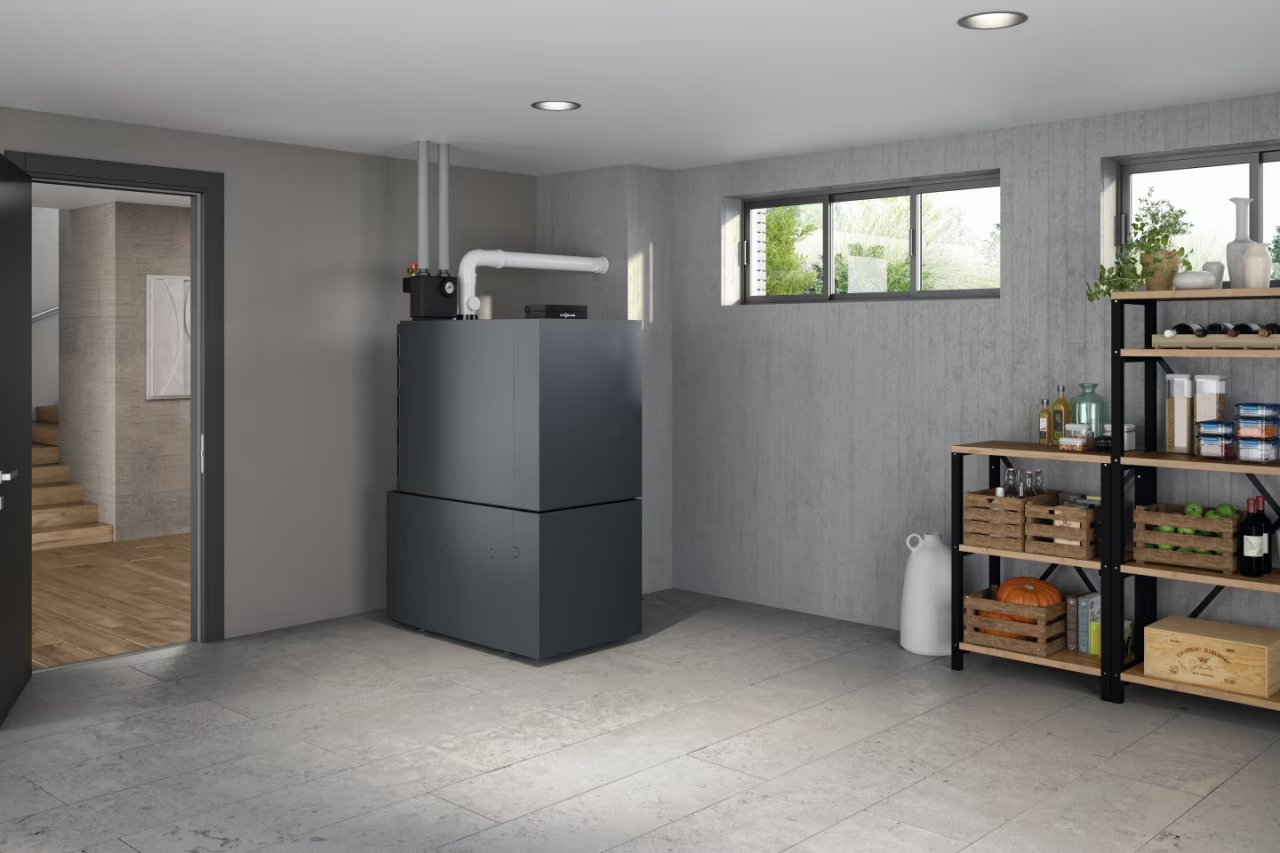
- Proceed as for Vitodens 200-W and press the menu icon.
- Select “Heating” and then “Holiday Program”.
- You’re now in the holiday program. Set your desired departure and return dates.
- Click OK to activate the holiday program.
Activating the holiday program on the Vitocal 200-S
Please note : The holiday program applies to all heating/cooling circuits. Your contractor can change this factory setting. If an air handling unit is connected to the heat pump control unit, the holiday program also applies to the mechanical ventilation.
- Click on the menu icon.
- Select Heating or Heating/Cooling, then Holiday Program.
- Set the required departure and return dates.
- Click OK to activate the holiday program.
Display in the extended menu
In the extended menu, under “Information,” you can check the settings for the “Holiday Program.” The same applies to the Vitodens 200-W and Vitoladens 300-C.
Activating the holiday program on the Vitoligno 300-C
- Click the panel icon to go to the More menu.
- Use the arrows to select the “Heating” area and confirm your selection by pressing the “OK” button.
- To select the desired heating circuits (HC1 or HC2), move the horizontal arrows to the left or right.
- Then select “Holiday program” for the relevant heating circuit and confirm your selection by pressing “OK”.
- Now you can set the date of departure and return.
- If you want to cancel your vacation program settings early, press the curved arrow button repeatedly until the default display appears.
- If you want to accept the set data, confirm it by clicking the “OK” button.
- The display will briefly show “Applied”.
Your heating contractor can help with adjustments.
If you’re unsure how to install the holiday program you need, contact your AHI Carrier sales partner. Our local sales partner locator lets you find the right heating engineer near you in just a few clicks. You can also reach out to the AHI Carrier community .

Ask the Experts: AHI Carrier Community
Do you have any questions about planning your holiday program?
The only energy efficiency check for a building
Heating systems